Features
Wayland native
jotty speaks Wayland directly through
smithay-client-toolkit, with
no X11 layer in between. It implements text-input-unstable-v3 with
surrounding text, so input methods such as fcitx5 or IBus can commit text
and delete text around the cursor. Have your shell mark where its prompt
ends to get the most out of it; see
shell integration.
CPU and GPU renderers
By default jotty draws on the CPU into shared memory and repaints only the
rows that changed, in about 30 MiB. With renderer = "gpu" it draws with
OpenGL ES 3 instead, in one draw call per frame, at the cost of the
130 MiB or so a GPU driver takes. See Renderer.
Transparency and blur
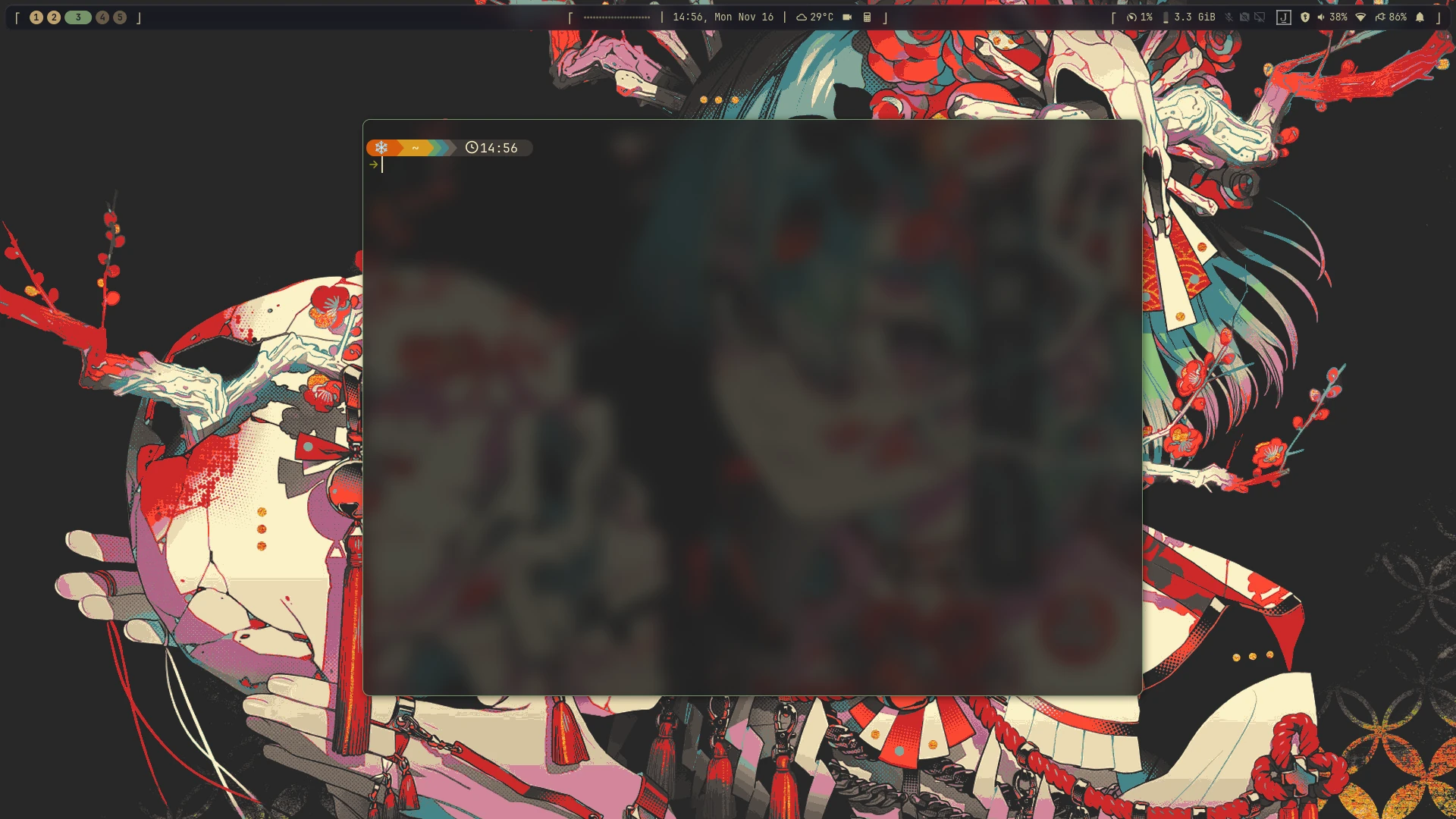
window.opacity makes the background translucent while text stays
opaque, and window.blur blurs what is behind the window on compositors
that support ext-background-effect-v1. See
Transparency.
Hints
Ctrl+Shift+E labels the links, paths, git and Nix hashes and IP addresses
on the screen. Type a label, then Ctrl+C copies the text, Ctrl+O opens it
and Ctrl+I inserts it at the cursor, all without the mouse. hints.regex
labels more kinds of text. See Hints.
Vi mode
Ctrl+Shift+Space moves a cursor over the screen and scrollback with vim
keys (hjkl, w, b, gg, G, ...). Select by character, line or
block with v, V and Ctrl+V, yank with y, and search with /, ?,
n and N. See Vi mode.
Drag files out, drop files in
Ctrl+drag a file or directory named in the output, as ls prints it, into
a file manager, a browser or a chat. Mark several with Ctrl+right click or
drag, then drag them together. Dropping files onto the window types their
paths at the cursor, quoted for the shell. See
Dragging files.
Open links and files
Ctrl+click opens a link a program set (OSC 8), a URL in the text, or an
image, video, audio or document file named in the output, each kind with
its own launcher. Holding Ctrl underlines what would open. See
[url] and [files].
Shell integration
When the shell marks its prompts (OSC 133), jotty can jump between prompts with Ctrl+Shift+PageUp/PageDown, select, copy or open a command's whole output with Ctrl+double click, and notify you when a long command finishes while the window isn't focused. See Shell integration and Notifications.
Live config and jotty config
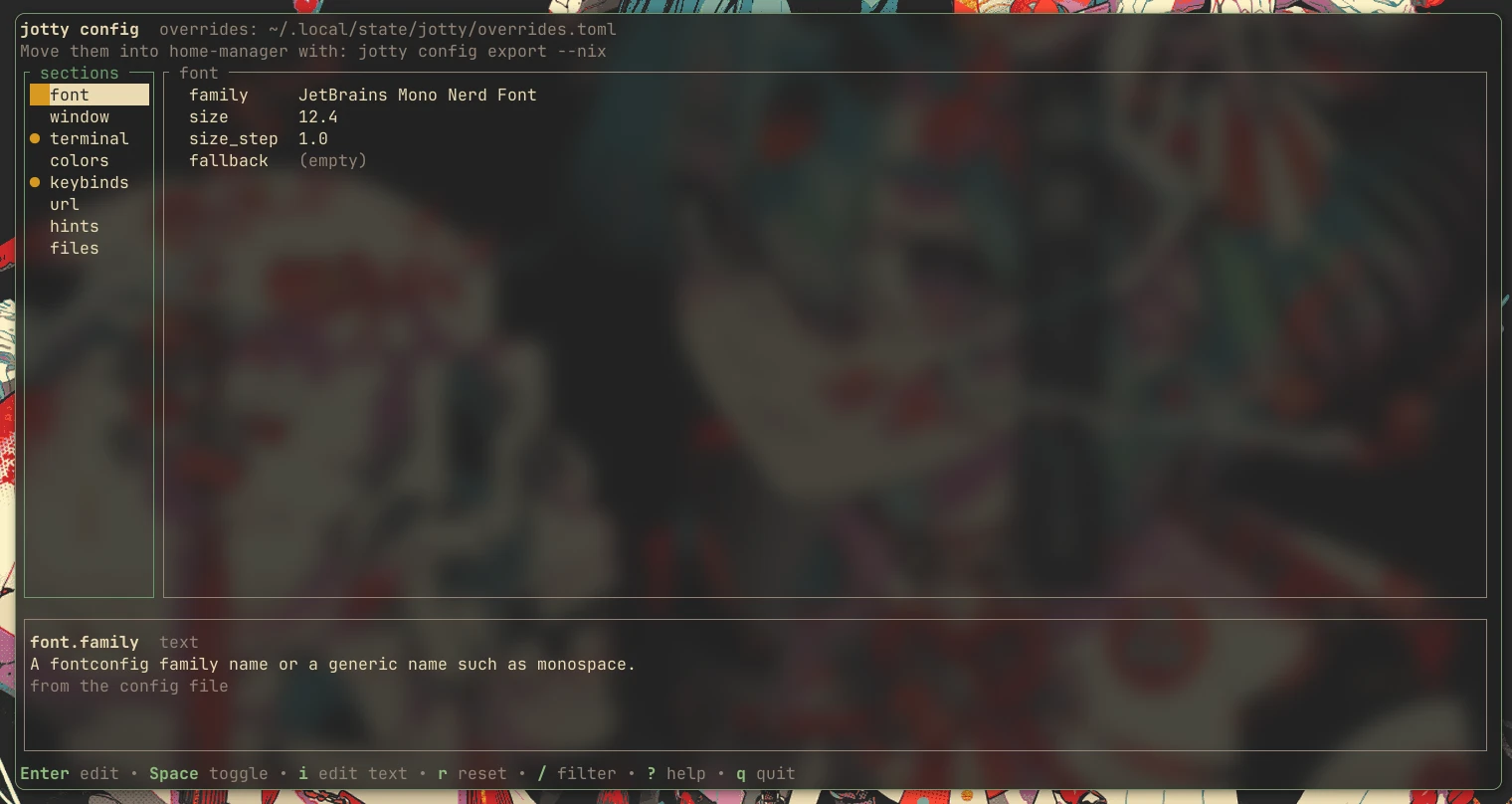
Saving the config file reloads every running window, with no restart.
jotty config opens a TUI that lists every option with its current value
and lets you change it live. Its changes go to an overrides file, never to
your config, so it works on a config managed by home-manager too. See
Overrides and jotty config.
Single instance
With --single-instance (or window.single_instance), new windows open
in the jotty already running instead of starting another process. See
Single instance.
Keybinds
See the default keybinds, and how to change them.